
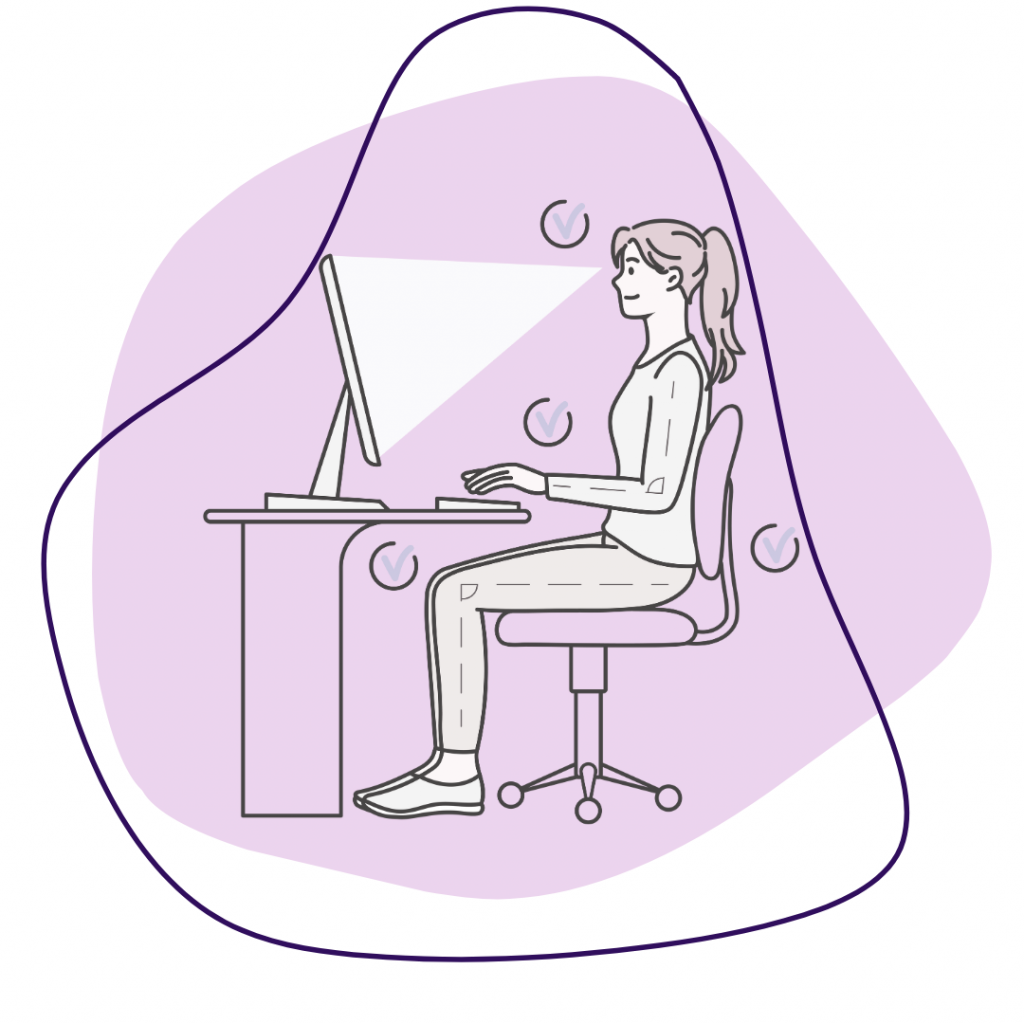
We get a lot of questions about what the best desk position is when working from home. The issue is that everyone has different spaces, different desks, and different body proportions to give a blanket “correct” answer. I’ve found that to prevent low back pain and postural injuries, you have to make your desk work for you. That means getting a position where you feel comfortable sitting for longer periods of time but still allow for movement while working.
Let’s start with the basics: your desk and chair. Many people that don’t have a home office use a kitchen or dining room chair at a table. This can be great … as long as the chair and table combo fits you. A “proper” chair to table position allows your knees and elbows to rest at about 90 degrees. This takes a lot of pressure off the hips and knees as you sit. It also reduces the strain on the shoulders as they can be in a more relaxed position. If your shoulders are hiked up by your ears because your table is too high, it can cause serious muscle tightness which leads to headaches. A hydraulic computer chair typically fixes this issue as you can raise or lower to the appropriate height for the user. Think of your chair as your body’s foundation during the workday. If it’s not supportive, your posture will suffer and your back will let you know about it later
What about your screen? Again, if you have a home office with a monitor, it makes it easy as the monitor stays in the same position for you. Have the top of your screen around eye level. This allows your head to drop 5-10 degrees as you look down the screen but you’re not having to hold your head too far up over the course of a work day. If your monitor or laptop screen is too low, you’ll find yourself craning your neck too far forward. Over time, that leads to muscle fatigue and postural changes that can trickle down to your lower back.
Quick tip: If you’re working from a laptop, consider a laptop stand or stack of books/pots to raise the screen. Pair it with an external keyboard and mouse so your shoulders can relax down instead of rounding forward.
Even the best desk setup won’t help if you sit in one position for eight hours straight. Make sure you can move around at your desk and take desk breaks. The thought process of productivity only happens at the desk doesn’t sit right when you’ve been sitting too long and your body and brain hurt. So take time to notice how your body feels during the day. Are your hips tight? Shoulders rounded? Neck stiff? Those are your cues to adjust and move.
If you’re still struggling with discomfort despite making changes, it might be time for a check-in. A chiropractic assessment can help identify where your muscles are pulling, joints are aching, and posture is under stress. Come on in for a treatment and let’s adjust together.
Happy posture, happy working.
Dr. Cole Maranger